PDF invoices and receipts, gathered in one Excel file.
Subscriptions, online orders, supplier invoices. One row per document, taxes read as printed.
Receipt envelope
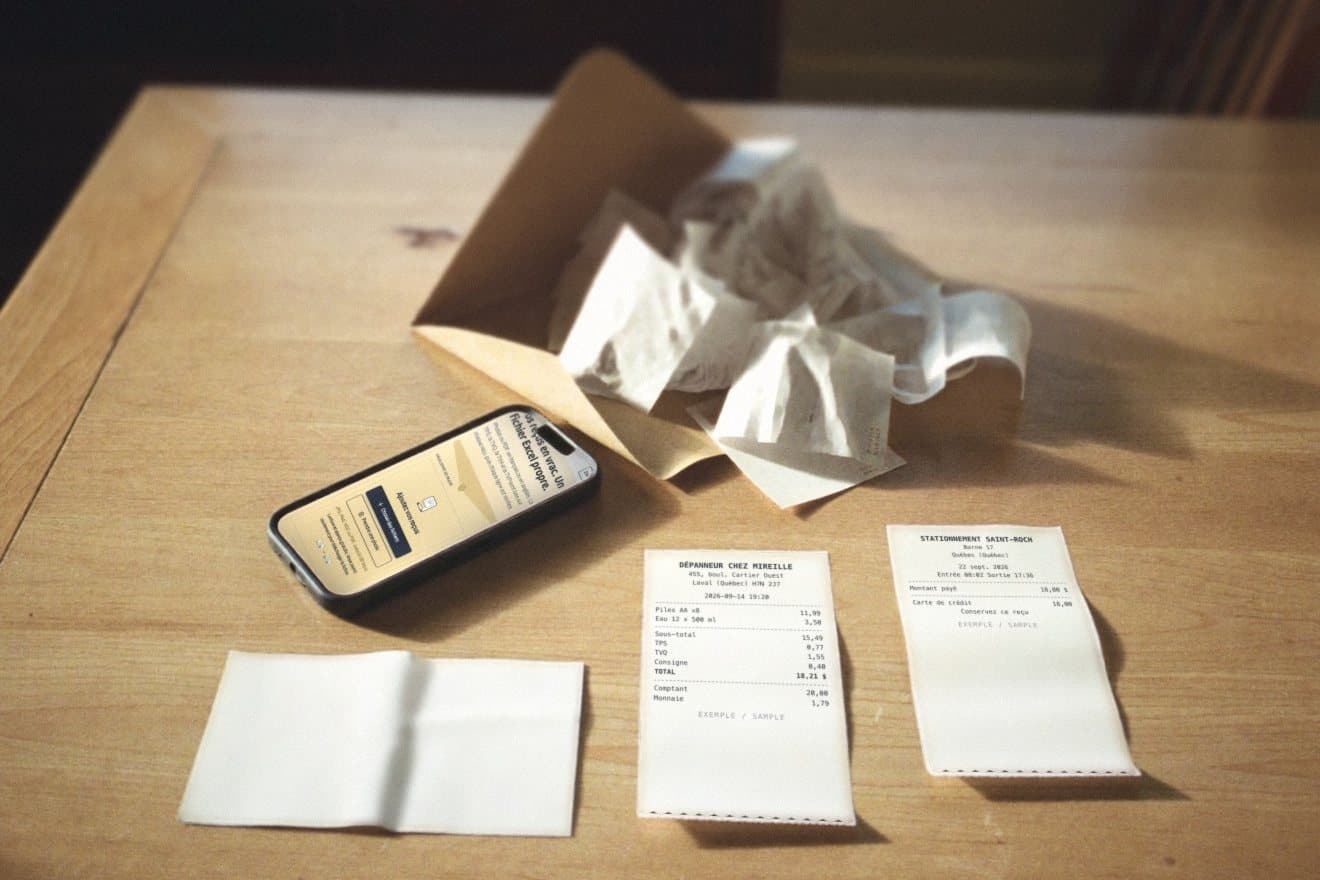
Drop your receipts hereAdd your receipts
JPG, PNG, HEIC or PDF. Up to 100 receipts.
Reading and preview are free. You only pay to download the file.
No receipts at hand?
- We keep no copy of your receipts.
- Taxes are read from the receipt, never calculated.
- No account. No email needed.
Every row is checked
A misread receipt costs more than an empty cell. The file tells you exactly what to review.
- Sum adds up
The sum
Subtotal, taxes and tip must add up to the printed total, to the cent.
- GST/HST + PST
The province's taxes
A Quebec receipt should show GST and QST, an Ontario receipt HST, a British Columbia receipt GST and PST. A missing tax stays empty and flagged, never calculated.
- Date plausible
The date
A date that is unreadable, in the future, or where day and month could be swapped is flagged.
- Duplicate
Duplicates
Two photos of the same receipt, or the same file added twice, are caught.
What you get
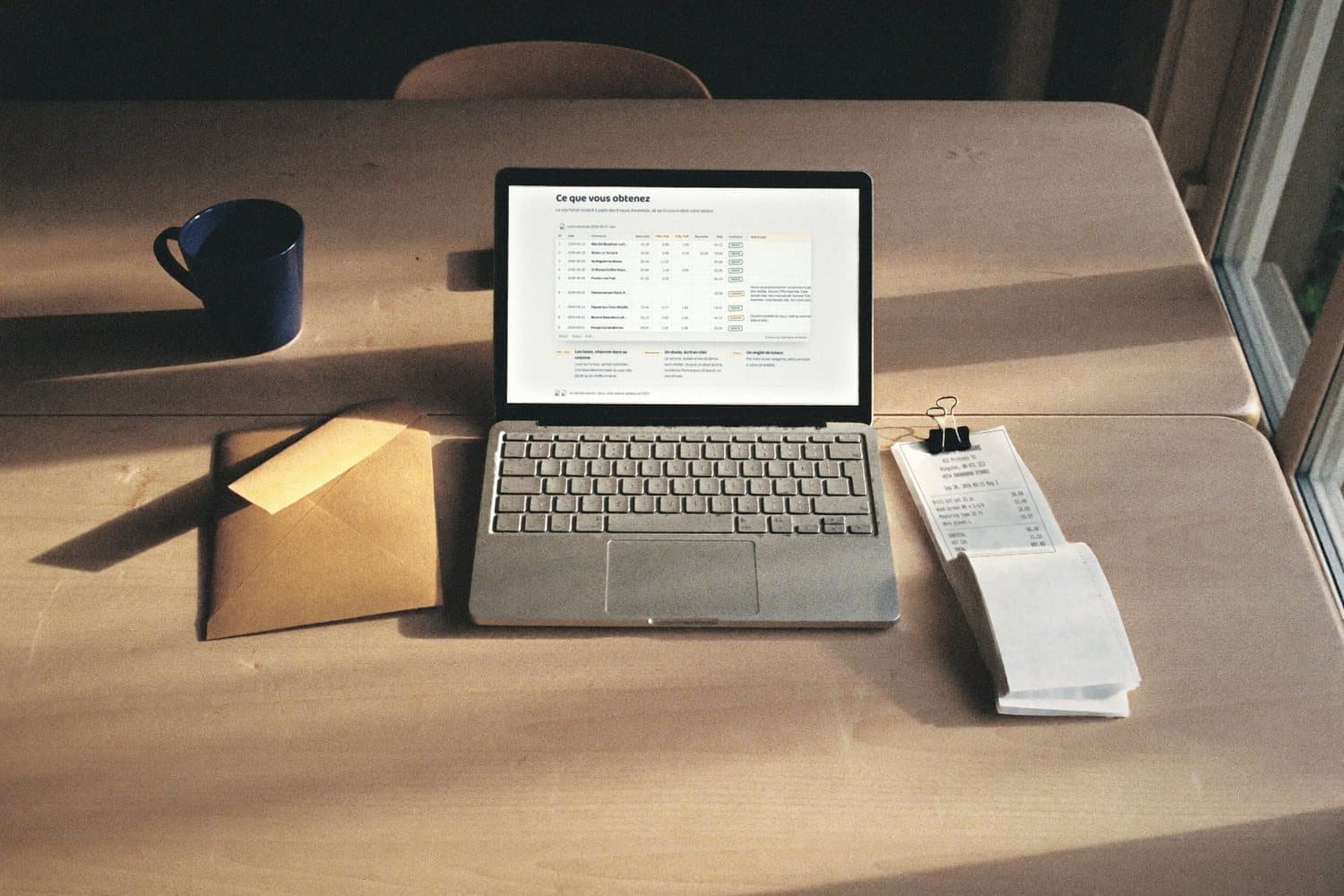
The real file produced from the 9 sample receipts, as it opens in your spreadsheet.
| # | Date | Store | Subtotal | GST / HST | QST / PST | Tip | Total | Confidence | Remarks |
|---|---|---|---|---|---|---|---|---|---|
| 1 | 2026-09-12 | Marché Beaubien-Lafleur | 42.18 | 0.65 | 1.29 | · | 44.12 | Checked | · |
| 2 | 2026-09-18 | Bistro Le Tamarin | 58.00 | 2.90 | 5.79 | 10.00 | 76.69 | Checked | · |
| 3 | 2026-09-20 | Northgate Hardware | 86.40 | 11.23 | · | · | 97.63 | Checked | · |
| 4 | 2026-09-08 | Driftwood Coffee Roasters | 23.50 | 1.18 | 0.98 | · | 25.66 | Checked | · |
| 5 | 2026-09-03 | Prairie Line Fuel | 61.05 | 3.05 | · | · | 64.10 | Checked | · |
| 6 | 2026-09-22 | Stationnement Saint-Roch | · | · | · | · | 18.00 | Take a look | No subtotal printed, so the sum could not be checked. No GST printed. Cell left empty, not calculated. No QST printed. Cell left empty, not calculated. |
| 7 | 2026-09-14 | Dépanneur Chez Mireille | 15.49 | 0.77 | 1.55 | · | 18.21 | Checked | · |
| 8 | 2026-09-12 | Marché Beaubien-Lafleur | 42.18 | 0.65 | 1.29 | · | 44.12 | Take a look | Possible duplicate of receipt 1 (same store, date and total). |
| 9 | 2026-09-01 | Nuage Comptable inc. | 29.00 | 1.45 | 2.89 | · | 33.34 | Checked | · |
- Take a look6. No subtotal printed, so the sum could not be checked. No GST printed. Cell left empty, not calculated. No QST printed. Cell left empty, not calculated.
- Take a look8. Possible duplicate of receipt 1 (same store, date and total).
- GST/HST · PST/QST
Taxes, each in its own column
Read from the receipt, never calculated. A missing tax leaves the cell empty rather than a made up number.
- Remarks
A doubt, written out
The sum, the date and duplicates are checked. When a detail is off, the Remarks column says which one, in one sentence.
- Totals
A totals tab
By month and by category, ready to send to your bookkeeper.
An Excel file (.xlsx), and the same table as a CSV.
How it works
1
Drop
All your photos and PDFs at once, or one receipt at a time from your phone.
2
Read and checked
Date, store, subtotal, GST or HST, QST or PST, tip, total, payment. Then the sum, the date and duplicates are checked.
3
Free preview
You see the first rows and their totals by tax type before you pay anything.
4
Download
$9.99, once, for the Excel file and the CSV.
What happens to your receipts
- Read, then forgotten
- On our servers, each receipt is held in memory while it is read. It is not written to any disk and we keep no copy.
- An AI service reads the image
- To read your receipts, we send each image to Anthropic (Claude), an artificial intelligence service in the United States. It gets the image and nothing else: not your name, not your IP address, not the file name. Under its terms, it does not train its models on your receipts and deletes the data within 30 days. Every number it reads is then checked by our own code.
- The result stays with you, encrypted
- The full result is encrypted and kept in your browser tab for 1 hour. Only our server can open it, when you download.
- Hidden rows are not sent
- Before payment, your browser only gets the first rows. The blurred rows in the preview are empty shapes, not your data.
Questions
Which receipts work?
Photos (JPG, PNG, HEIC) and PDFs, in French or English, from every province. A sharp, flat, well lit photo gives the best result.
Does the tool calculate GST, HST or PST?
No. Tax amounts are read from the receipt. If a tax is not printed, the cell stays empty and the row is marked for a second look.
What do "Take a look" and "Check this one" mean?
That the tool would rather show you a doubt than guess. The sum does not add up, the date is doubtful, an expected tax is missing or the photo is hard to read. The reason is written in the file, next to the row. "Check this one" needs a little more attention than "Take a look".
How much does it cost?
Reading and the preview are free. The file costs $9.99, once, for a batch of up to 100 receipts. A file we cannot read at all is refused and does not count. If a number on a receipt fails our checks (sum, total, unreadable amount), we tell you before payment, and the row is marked in the file. And if the file does not work for you, you get a refund on request within 30 days.
Can my bookkeeper import it?
The Excel file and the CSV have one row per receipt and one column per amount. They open in Excel, Numbers and Google Sheets, and the CSV imports into most accounting software.